Standalone
Browser
You can browse the project assets:
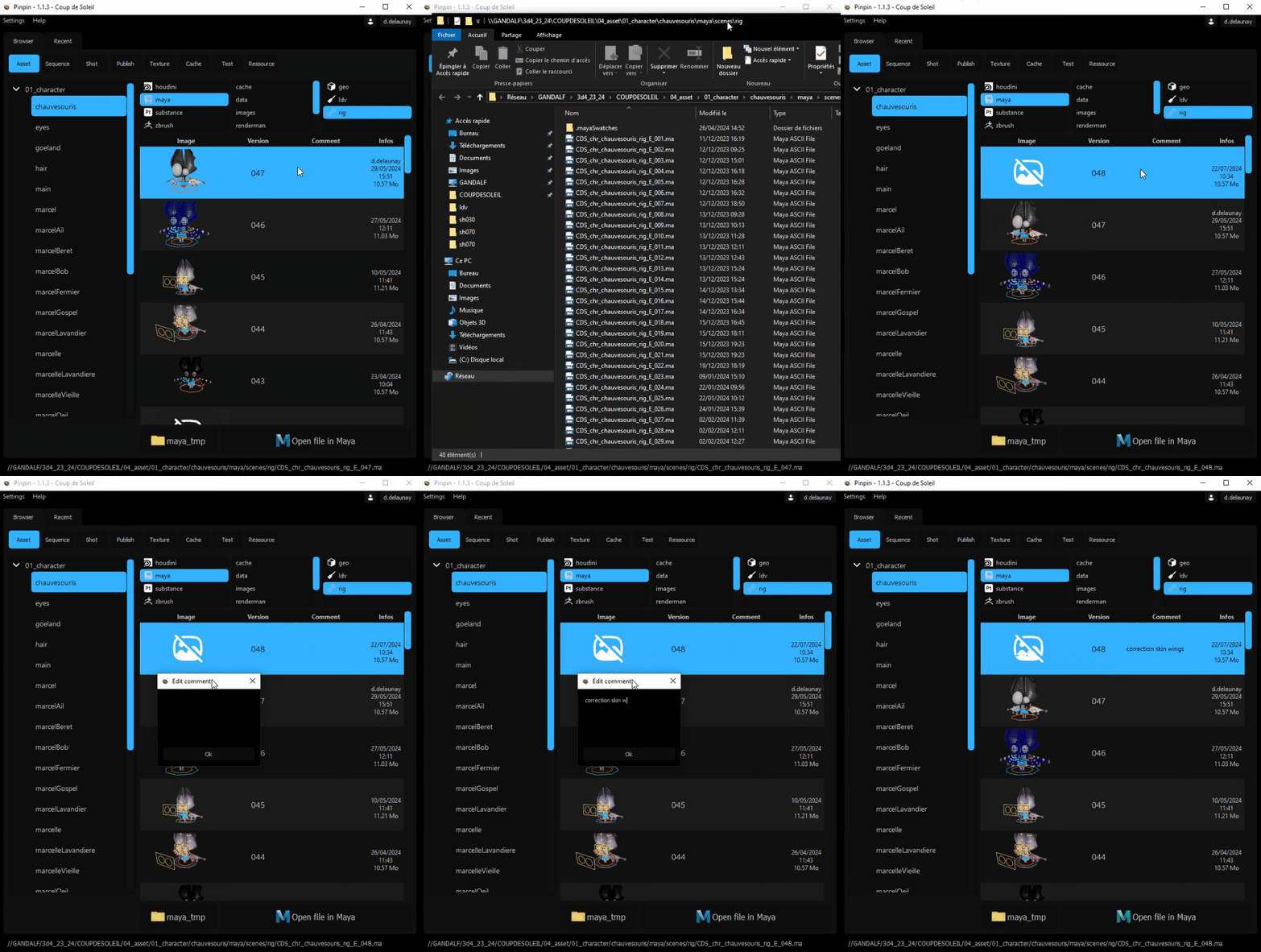
By right-clicking on a file, you can:
- Reveal the location of the file in File Explorer
- Increment the file
- Write a comment
Under the file section, you have buttons to open the file in maya and another to change preferences directory (useful for development).
Tip
You can also open a file by double-clicking on its line in the file section, which is much faster.
Caution
If a file has not been opened for a long time, it is preferable to increment it from the standalone application rather than opening the latest version.
Settings
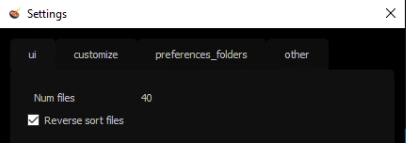
In the settings dialog, you can choose the number of files displayed in the file section and the display order (reverse by default to access the latest versions).